)
Top AI Tools for Research in 2026

TL;DR
In 2026, researchers are no longer choosing a single AI tool. They’re assembling stacks: one layer for discovery, another for synthesis, another for analysis, and another for documentation. This guide covers the tools that support literature review, synthesis, data analysis, and the reproducibility layer that most research workflows tend to overlook until something breaks. Most AI tools for research lists flatten fundamentally different jobs into a single ranking. Reading 200 papers is not the same problem as running 200 model variants, and neither is the same as synthesizing customer interviews or structured datasets. This guide separates tools by the actual job they do, so you can build the stack you need rather than the one a vendor is trying to sell you.
What you will learn
The best AI tools for research in 2026, grouped by research type
How literature review tools, synthesis tools, and analysis platforms differ
Which AI research tools fit which research workflow
How to evaluate AI research tools without getting locked into one ecosystem
Where reproducibility matters and where it doesn't
How to Evaluate AI Tools for Research
Most research tools work well on clean demos and curated examples. The real test is whether they hold up under messy, real-world conditions.
Before adopting any tool, test it against your actual workflow:
Does it work on real inputs (PDFs with errors, messy datasets, raw transcripts)?
Can someone else reproduce or understand the output later?
Does it clearly show sources or reasoning, or just provide answers?
Can results be rerun when data changes?
Does it fit into your existing workflow, or force you to rebuild it?
Tools that fail on reproducibility or context quickly become bottlenecks, not accelerators.
AI Tools for Literature Review and Discovery
This layer helps researchers understand what already exists in a field. The goal is discovery, filtering, and structured comparison of published knowledge.
Elicit: AI Research Assistant for Literature Review
Elicit started as a literature search tool and grew into something closer to a research copilot. The differentiator is that it works on the underlying papers, not just abstracts — you can ask it to extract methodologies, sample sizes, or outcomes across a set of studies and get a comparison table back.
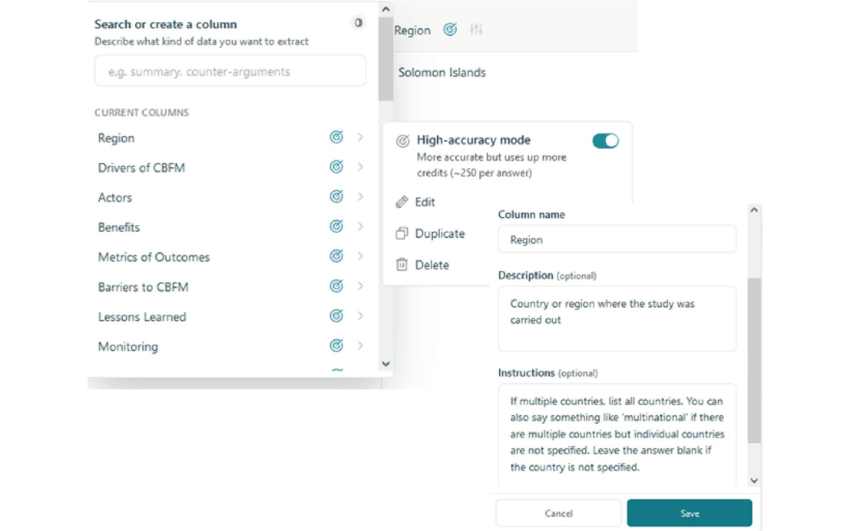
Extracts methods, sample sizes, and outcomes from full papers
Builds comparison tables across studies
Best for systematic literature reviews and evidence synthesis
Consensus: Evidence-Based Answers from Peer-Reviewed Research
Where general-purpose chatbots hallucinate citations, Consensus is built around the constraint that every answer has to map to real papers. Ask it a yes/no scientific question and it returns a consensus meter weighted by paper quality.
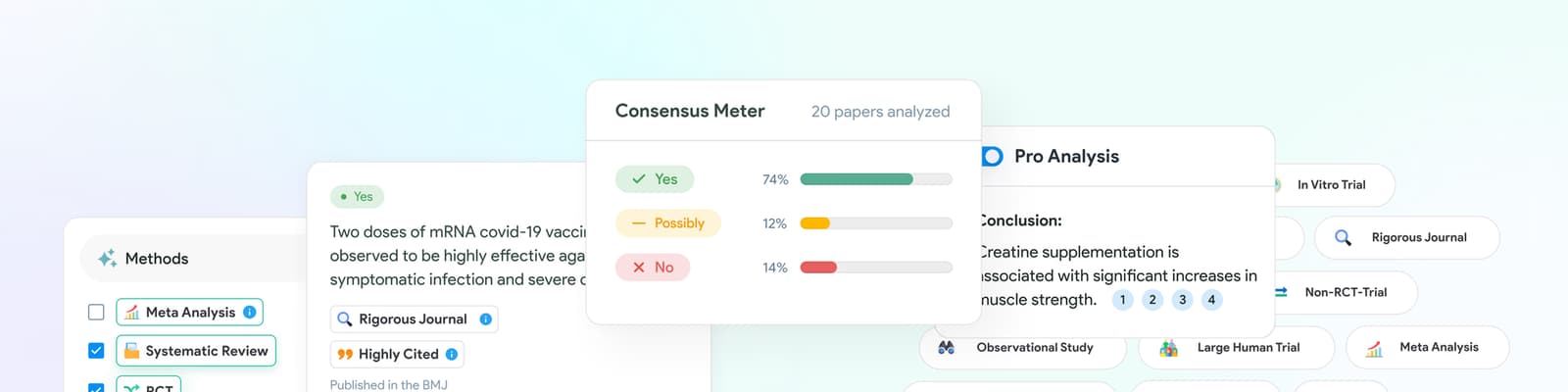
Good for quickly establishing what the published evidence actually says
Useful as a sanity check before citing something in a paper or report
Less useful when the literature is genuinely contested — but it will tell you it's contested
SciSpace: AI Reading and Writing for Researchers
SciSpace is less about discovery and more about comprehension. The standout feature is the in-PDF chat — you open a paper and can ask it to explain a specific equation, table, or paragraph in plainer terms. Useful for reading outside your home field.
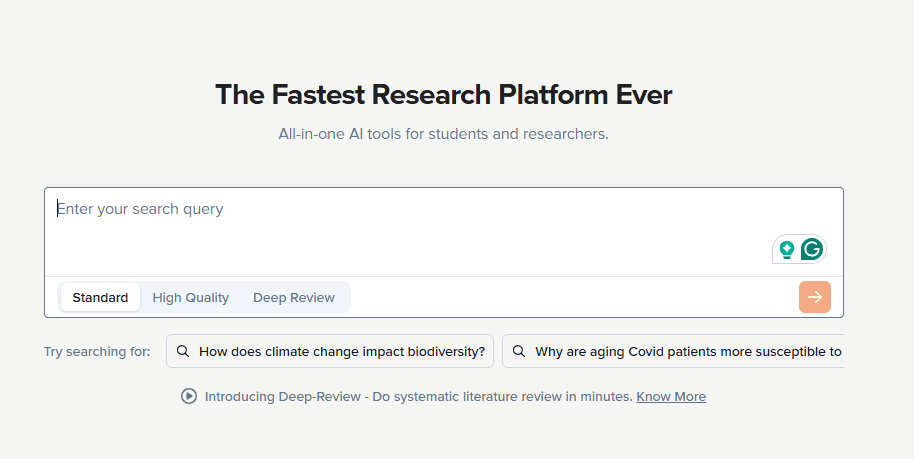
Strong for reading dense papers in unfamiliar domains
Has a research assistant mode for drafting and citation
Best for researchers crossing disciplinary boundaries
AI Tools for Synthesis and Knowledge Work
Once you have the inputs, the next problem is connecting them. These tools handle synthesis — the part where you're not searching anymore, you're building a position.
Perplexity: AI Search with Sources
Perplexity is what general-purpose search probably should have been a decade ago. Every answer comes with the sources it pulled from, in line. The Deep Research mode goes further — it'll run multi-step searches and return a structured brief on a topic, which is genuinely useful for landscape scans.
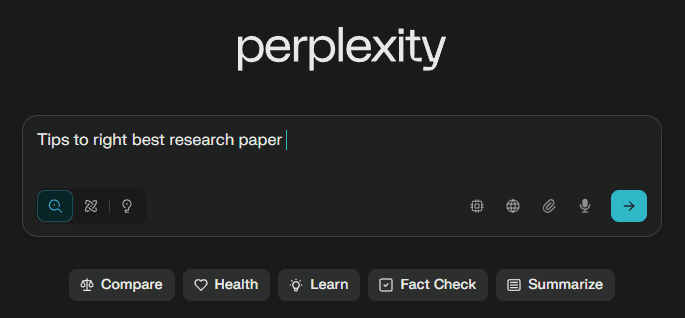
Best for fast, sourced answers on current topics
Deep Research mode handles broader landscape questions
Works as a research tool because the citations make output verifiable
NotebookLM: Source-Grounded Research Synthesis
Google's NotebookLM takes a deliberately constrained approach — you upload your sources, and the model only answers from those sources. For researchers, this is the opposite of "ask the AI anything" and far more useful. You can drop in 50 papers, a stack of interview transcripts, or a quarter of internal reports and have a synthesis partner that won't drift outside your evidence base.
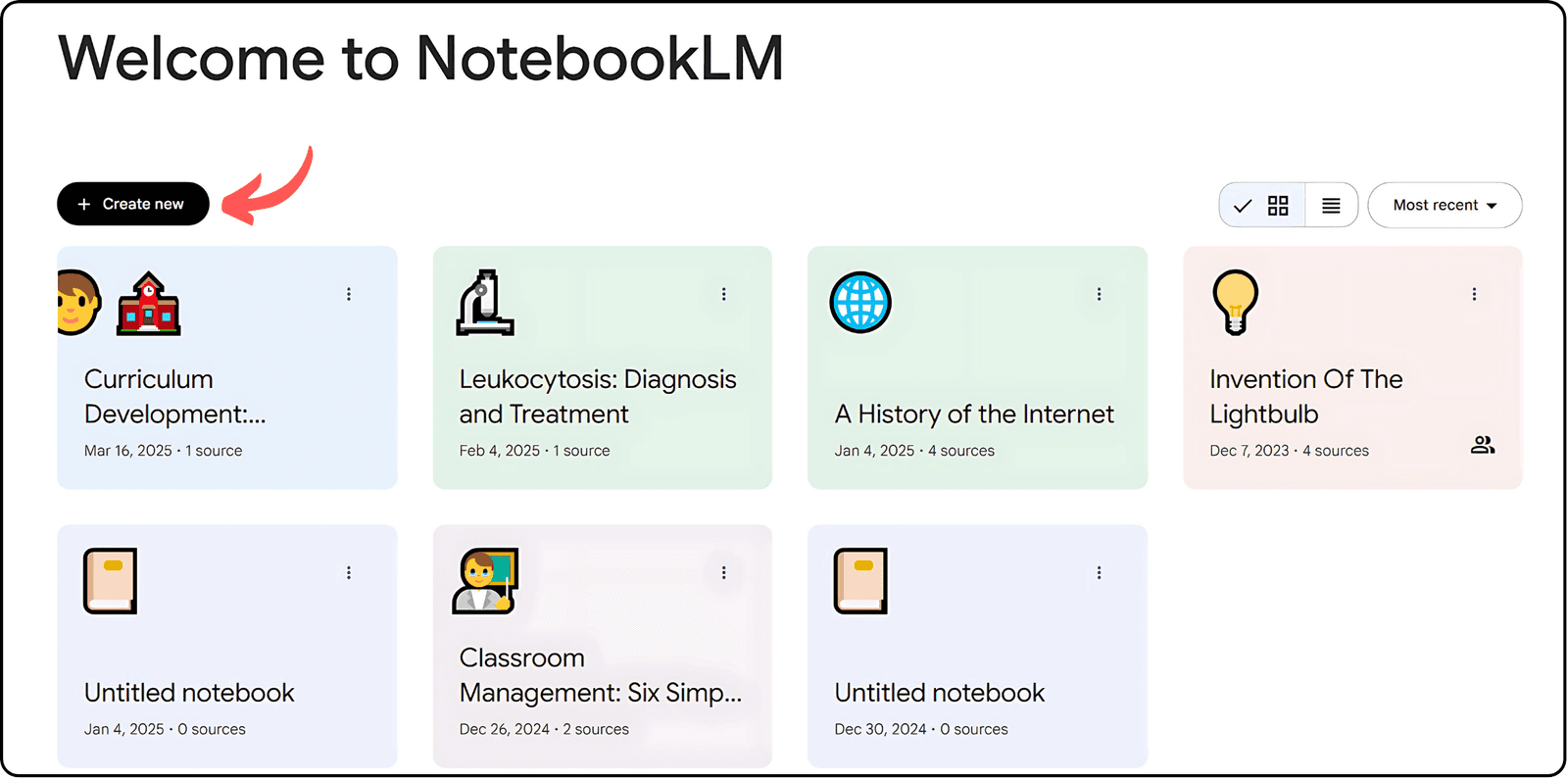
Constrained to the sources you provide — no external drift
Strong for synthesizing private or proprietary research material
Audio overview feature is useful for reviewing material while doing other things
AI Tools for Data Research and Analysis
This is where research stops being about reading and starts being about producing new findings. The tools here are built for working with data, running analysis, and — if the work is worth anything — being able to reproduce it.
Zerve: Reproducible Data Research and Analysis
For research that touches data, the binding constraint usually isn't model sophistication, it's how much you can run in parallel and how reliably you can come back to it later. Zerve's agentic notebooks let you distribute analyses across compute without losing structure or context, so experiments stay organized even as they scale. The institutional knowledge layer ensures that a model run from six months ago can still be understood, reproduced, and extended even if the original analyst is no longer involved.
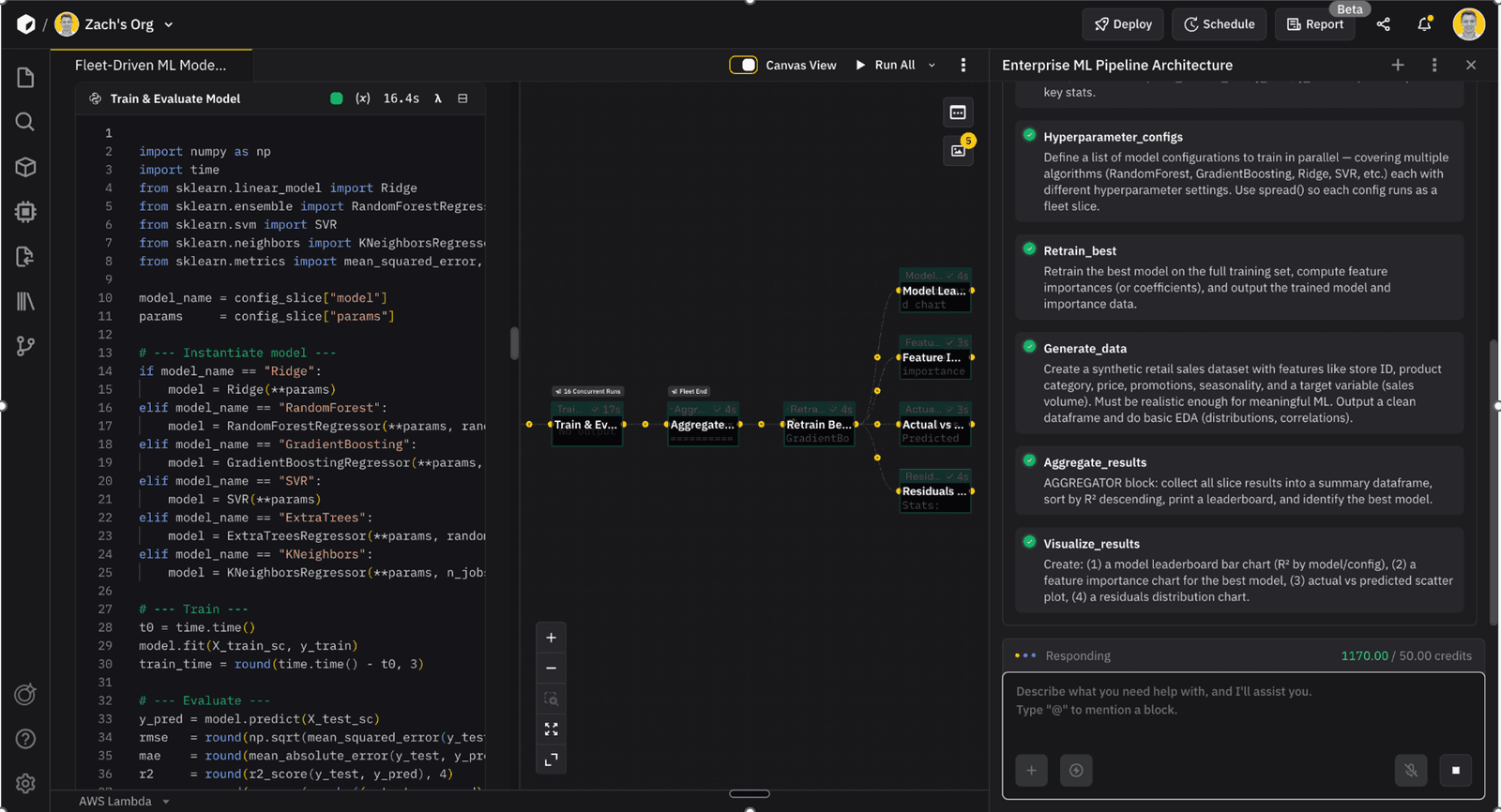
That matters most for the kind of research where the output gets used to make a decision. A backtest that nobody can re-run is a backtest you can't defend. A market-sizing model that lives in one person's head is one resignation away from being lost. Zerve was built to keep both the methodology and the reasoning attached to the work itself. For a deeper look at why this matters specifically for systematic research, see our piece on LLMs in quantitative research and our breakdown of institutional knowledge in data science.
DAG-based notebooks let analyses run in parallel without losing structure
Python and R in the same environment, on the same data
Institutional knowledge layer captures the why, not just the code
Built for research that needs to hold up under scrutiny — quant, scientific, or commercial
Jupyter with AI Extensions: The Open-Source Default
Jupyter remains the gravitational center of most data research, and the 2024–2026 wave of AI extensions (Jupyter AI, GitHub Copilot in notebooks, various Anthropic and OpenAI integrations) has made it meaningfully more productive without changing the underlying experience. The trade-off researchers run into is reproducibility — getting from a working notebook to something a colleague can rerun a quarter later is still its own project, which we've written about in deploying Jupyter notebooks to production.
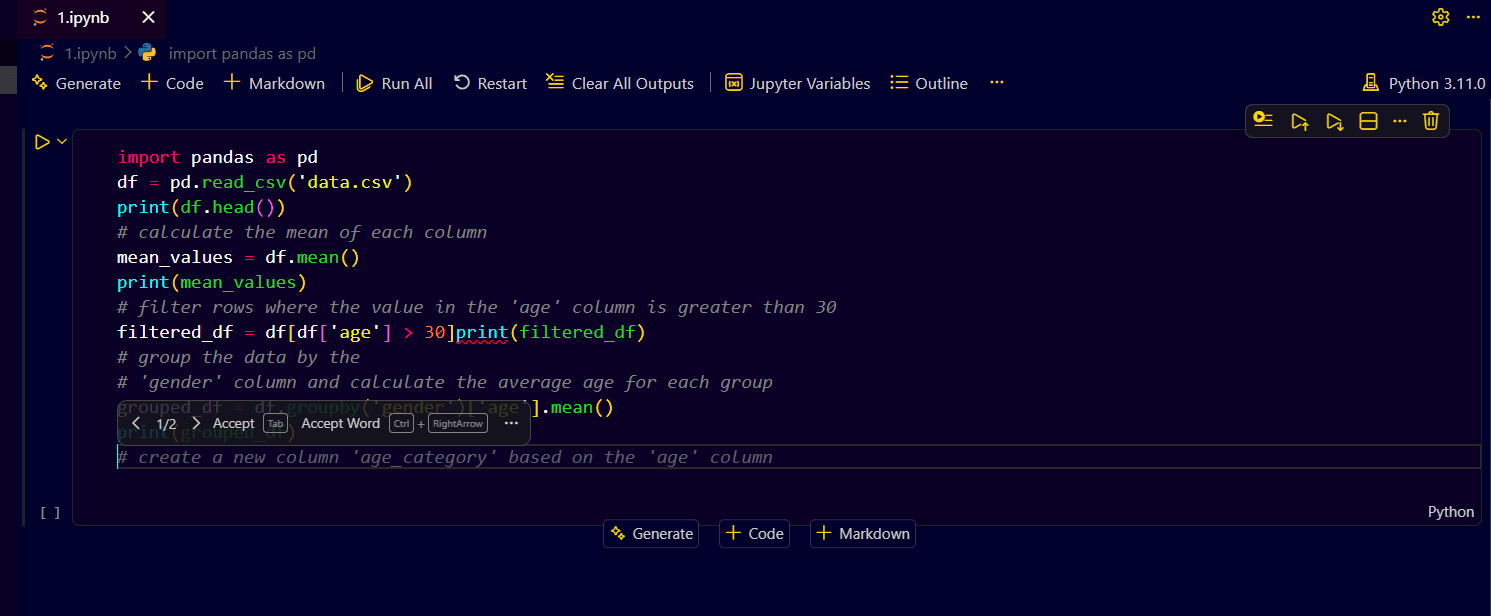
Familiar environment for anyone with a data background
AI extensions add real productivity, but reproducibility still depends on discipline
Best when paired with version control and a clear environment management practice
See how Zerve compares to Jupyter for reproducible research workflows
Databricks: AI-Assisted Research at Scale
For teams already running on Databricks, the 2025 additions — native AI functions in SQL, AI-assisted notebook authoring, Genie spaces for natural language exploration — have made the platform useful for a wider set of research tasks than the data-engineering-heavy reputation suggests.
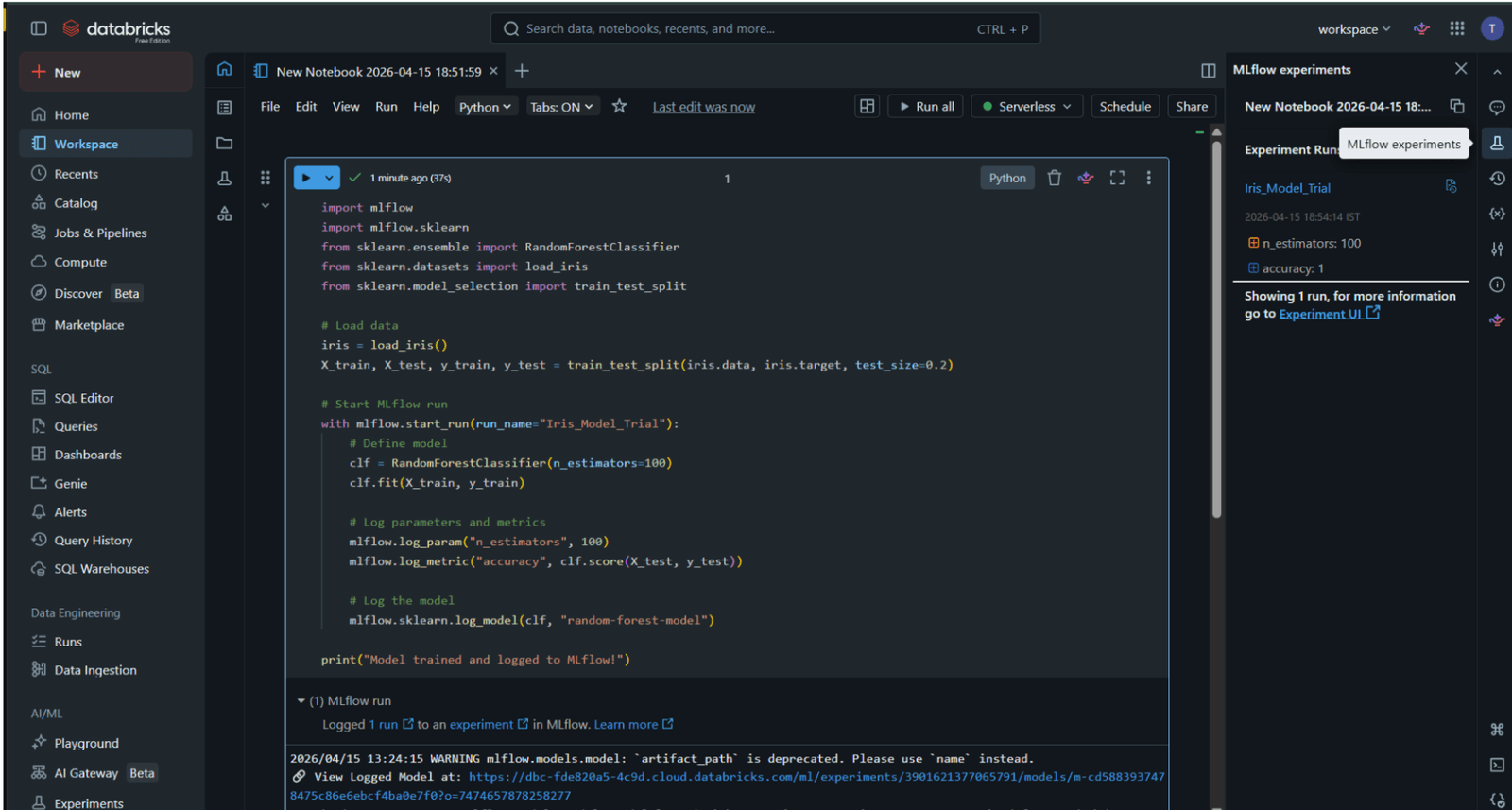
Best fit for teams with serious infrastructure already in place
Native AI SQL functions handle classification, summarization, and extraction in-warehouse
Strong for research that crosses into ML or production
AI Tools for Writing and Documentation
Research that doesn't get written up doesn't exist for anyone except the person who did it. The tools here handle the last mile.
Notion AI: Research Notes and Documentation
Notion AI is useful for research specifically because most research generates more context than findings — interview notes, decisions made and reversed, half-formed hypotheses. It's good at turning that loose context into something a reader who wasn't there can follow.
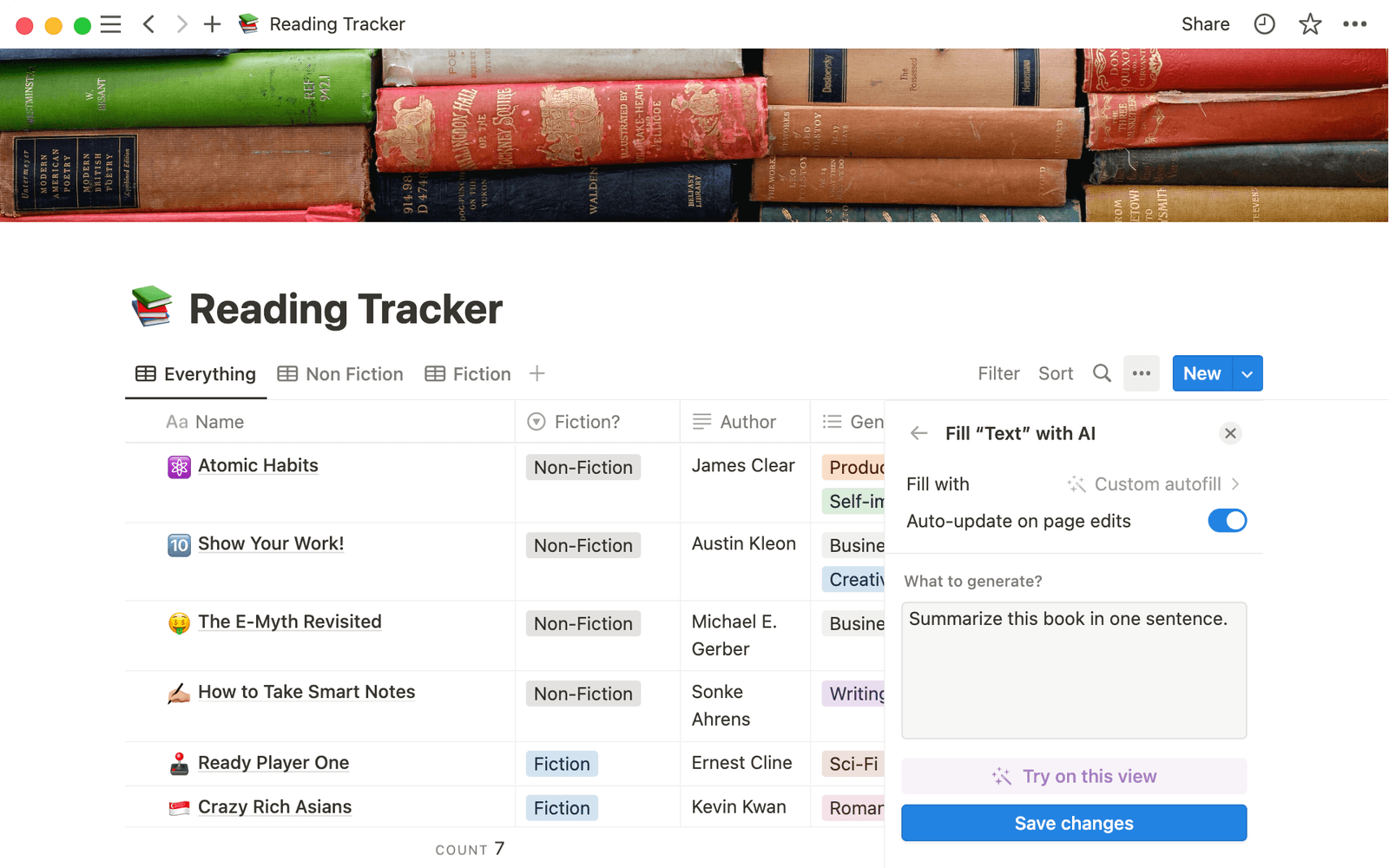
Helps translate raw notes into structured write-ups
Works well as the documentation layer above analysis tools
Best for teams already using Notion as their knowledge base
ChatGPT: Drafting, Refining, and Stress-Testing Arguments
ChatGPT's role in research is mostly as a drafting partner — turning bullet points into prose, stress-testing an argument, generating counterexamples. Used well, it shortens the writing loop. Used poorly, it produces fluent text with no underlying reasoning, which is worse than no draft at all.
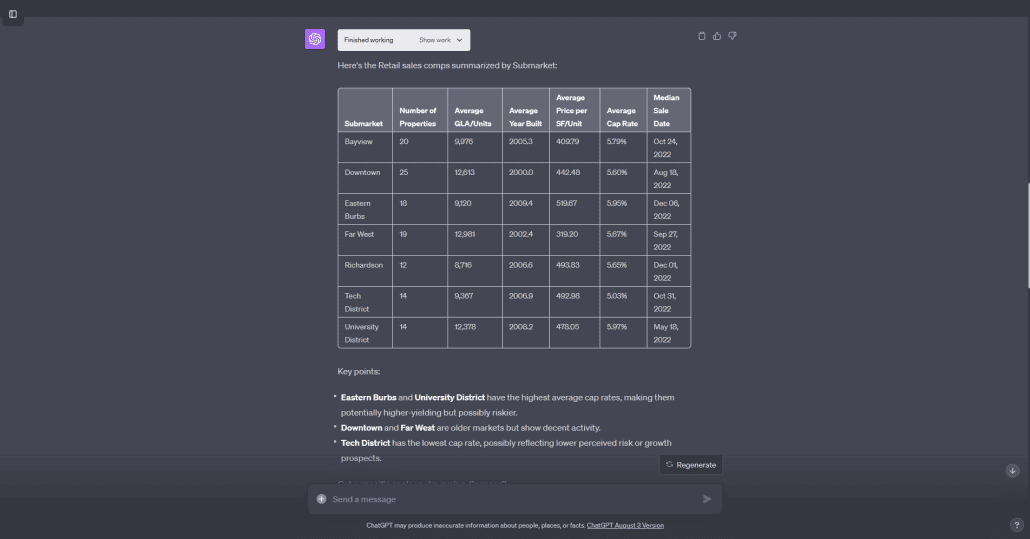
Strong for drafting, restructuring, and explaining complex ideas plainly
Useful as a critic — ask it to argue against your conclusion
Should not be used where the output needs to be sourced or auditable
AI research tools comparison
How researchers actually use AI tools
Most working research stacks have four layers, even when no one's drawn them out: a discovery layer for finding what's already known, a synthesis layer for connecting it, an analysis layer for producing new findings, and a writing layer for getting it out the door. The layer most teams skip is the one between analysis and writing — the documentation of how the analysis was actually done, which is what makes the work hold up six months later. We've covered the wider context of this problem in data collaboration beyond "share a link" and top data collaboration tools for modern data teams.
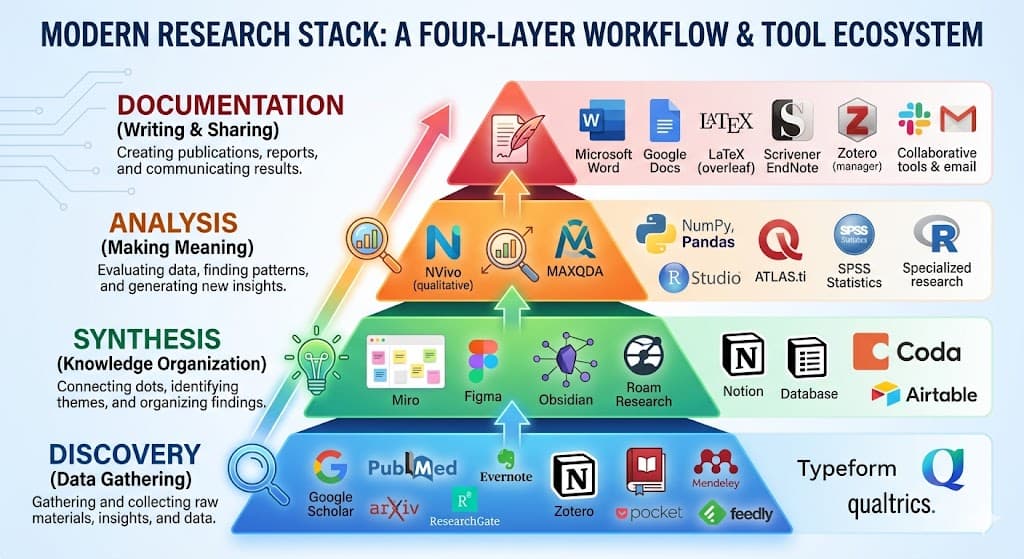
Which AI research tools fit each role
How to choose the right AI research tools
The right starting point is the place your workflow actually breaks. If you're losing time on literature review, the discovery tools are the highest leverage. If your problem is that nobody can reproduce last quarter's analysis, that's an analysis-layer problem and the answer is a platform built for it, not another assistant. Our data analytics platform evaluation guide covers the criteria worth using when comparing the deeper analysis tools.
If the analysis layer of your research stack is what keeps breaking down, Zerve is built for exactly that problem. Start with Zerve free and run your first research workflow before you finish evaluating anything else.
The strongest research stacks combine a discovery tool like Elicit or Perplexity, a synthesis tool like NotebookLM, a data analysis platform like Zerve, and a writing layer. The best individual tool depends on whether your research is literature-heavy, data-heavy, or synthesis-heavy.
AI search tools like Perplexity are optimized for finding and summarizing existing information. AI research tools include search but also cover synthesis, analysis, and documentation — the parts of research that go beyond retrieval.
Yes. Tools like Elicit, Consensus, NotebookLM, and Perplexity require no code. Platforms like Zerve are built to work for both code-first and natural-language users, so analysts and non-coders can collaborate on the same workflow.
Used well, AI tools cut the time spent on retrieval, formatting, and routine summarization, which frees more time for the parts of research that actually require judgment. Used poorly, they generate fluent output with no underlying reasoning — which is worse than no output at all.
The most important factors are reproducibility, citation transparency, fit with your existing workflow, and whether the output can be verified by someone who wasn't involved in producing it.