)
Top Data Collaboration Tools for Modern Data Teams

TL;DR
Most data teams collaborate across five or six tools that were never designed to work together, and the gap between them is where context, reproducibility, and time get lost.
Somebody on your data team ran an analysis last month that changed a product decision. Quick: where does that analysis live right now? Could anyone else on the team even find that analysis, let alone rerun it? Most teams would end up searching Slack, opening a handful of Google Docs, and hoping the right Jupyter notebook is still saved on somebody's laptop. That whole mess is basically why data collaboration tools became their own category, and it covers way more ground than most people realize.
What you'll learn in this guide
The five major categories of data collaboration tools and what each one actually does well
Where the gaps show up between documentation, communication, BI, and code collaboration tools
How analytics collaboration platforms like Zerve fill the space that general-purpose tools leave open
Which tool combinations work best for analysts, data scientists, PMs, and leadership
How to evaluate whether your current data team workflow has collaboration gaps
Why Data Collaboration Falls Apart
Mention "data collaboration" in a meeting and people picture dashboards, maybe a BI tool with comment threads. That covers the finished product, though. It skips over the actual collaborative work. Two people need the same dataset for completely unrelated questions. A PM sees one number on the dashboard and a different number in somebody's notebook and wants to know which one is right. That kind of thing plays out daily, and it's spread across tools that were never designed to work together. Here's what's actually in the typical stack and where the cracks are.
Documentation and Knowledge Tools for Data Teams
Notion and Confluence are where teams keep the things that need to survive longer than a single project, like data dictionaries, metric definitions, onboarding docs, and the runbook for when your ETL pipeline falls over on a Friday night.
They work, assuming everyone keeps them updated. That's a bigger assumption than it sounds like. Somebody writes a thorough explanation of the churn calculation in January, the data engineering team quietly changes the underlying logic by July, and the Confluence page still describes the January version.
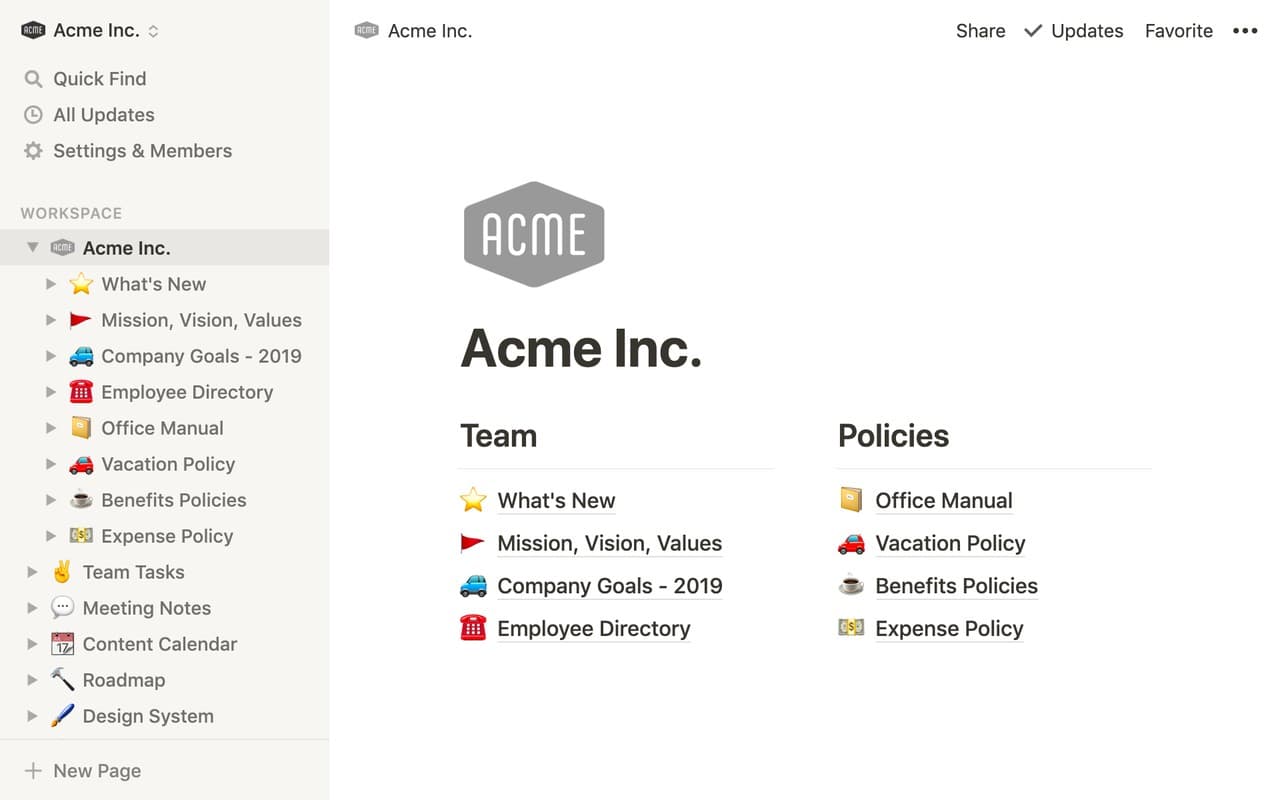
Notion lets you write up a data workflow in gorgeous detail, every step documented, every edge case noted. But you still can't run that workflow from inside Notion. Your documentation ends up in one place and the actual work happens somewhere else, so they drift apart on a timeline measured in weeks.
Key characteristics of documentation tools for data collaboration
Best suited for storing data dictionaries, metric definitions, and process documentation
Require manual upkeep to stay accurate, which often doesn't happen consistently
Cannot execute code, connect to live data sources, or run analytical workflows
Work well as a reference layer but need to be paired with a live data environment to stay current
Communication Tools for Data Team Workflows
Every distributed data team runs on Slack or Microsoft Teams at this point. Someone notices the conversion numbers look off, posts a question, and gets three replies before their coffee goes cold.
Where it breaks down is retrieval. Slack is a river, not a filing cabinet. Try finding the specific conversation from two months ago where your team decided to change how you segment enterprise accounts. You'll scroll, search, open eight threads, and you might find it or you might not.
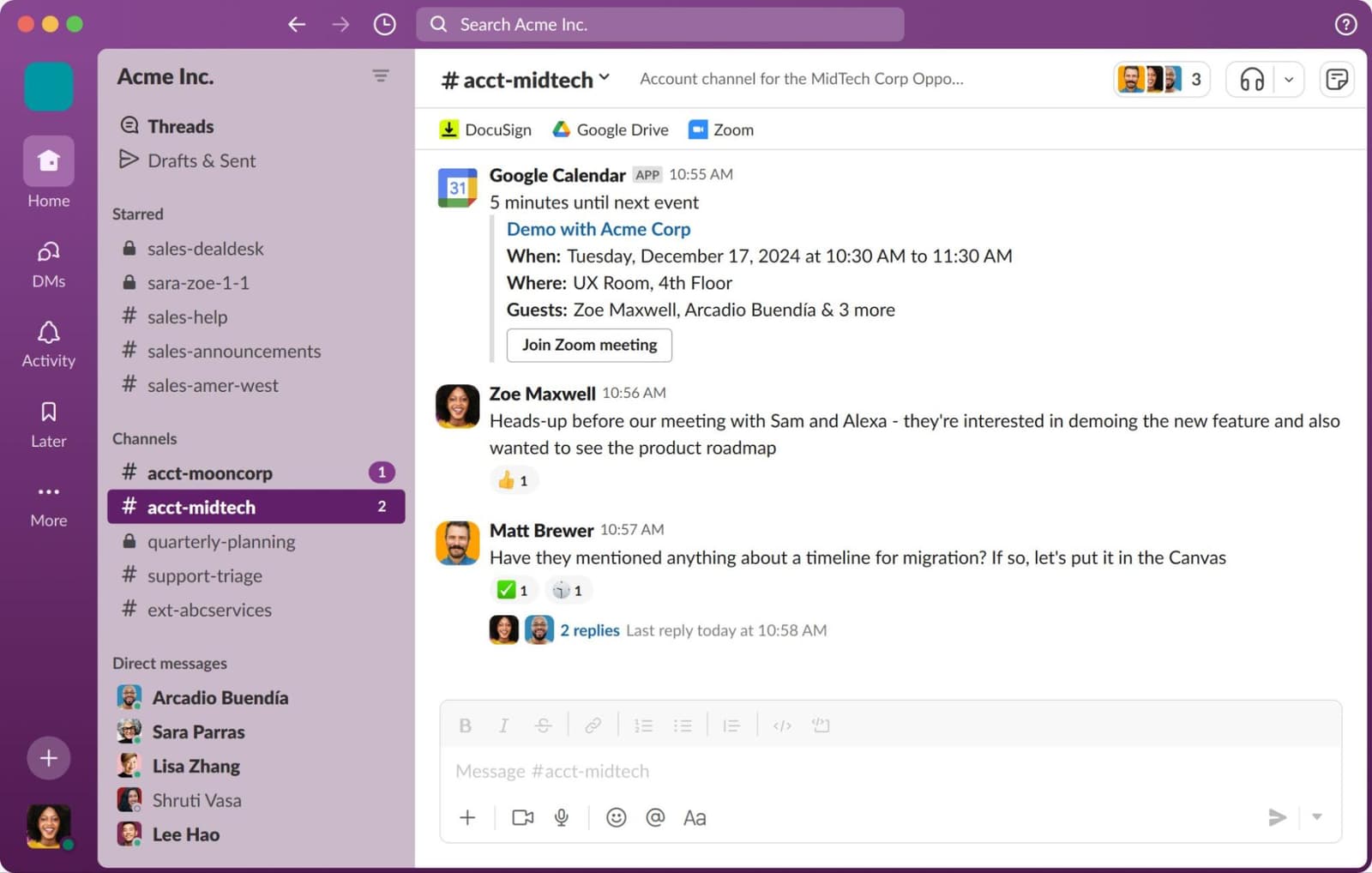
You can drop a chart into a Slack message, sure. But nobody receiving that chart can rerun the query behind it or check whether the numbers are still accurate a week from now.
Key characteristics of communication tools for data collaboration
The fastest way to get a question answered when something looks off in the data
Conversations disappear into the scroll, making it nearly impossible to recover past decisions months later
No shared data context, so charts and numbers shared in messages become static the moment they're posted
Work best alongside tools that keep data context attached to the conversation
BI and Dashboard Tools for Data Sharing
Looker and Tableau own the last stretch of the data collaboration journey: getting polished metrics in front of the people making decisions. A solid dashboard gives everyone in the Monday morning meeting one set of numbers to look at, which eliminates whole categories of "my spreadsheet says something different" arguments.
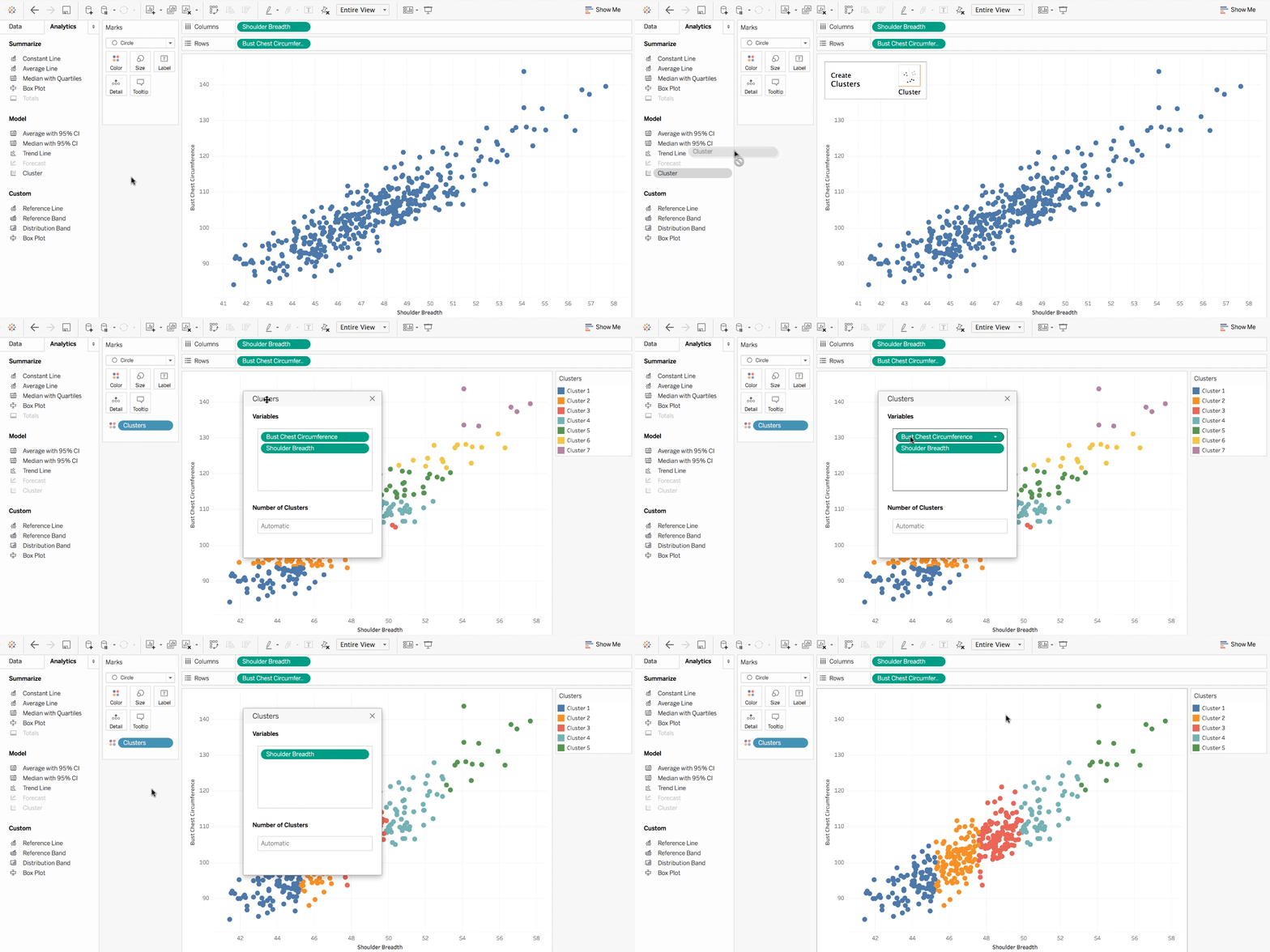
But dashboards answer "what," not "why." Retention fell 8% last quarter, and the chart shows it clearly. Why it fell requires pulling raw data, writing exploratory queries, and forming and testing hypotheses. BI platforms were never really designed for that kind of exploratory work.
Key characteristics of BI and dashboard tools for data collaboration
Strong at aligning stakeholders around a single set of metrics and visualizations
Designed for consumption and monitoring, not for exploratory analysis or hypothesis testing
Cannot trace a number back to its source query or show how a metric was calculated
Pair well with upstream analytical platforms that handle the investigative work
Code Collaboration Tools for Data Work
GitHub has been the go-to for version-controlled code collaboration for years now, covering pull requests, branching, and code review. Software engineering perfected these workflows ages ago, and data teams picked them up.
They picked them up with some pretty significant caveats, though. Git handles source code beautifully, but notebooks are another story. They combine code, outputs, images, and metadata in a single file. Diffs come out garbled and merge conflicts are miserable. The whole model also assumes one person finishes, commits, and walks away before someone else picks it up, which falls apart when two analysts want to dig into the same dataset together.
Read: What Real Collaboration Means in Data Science
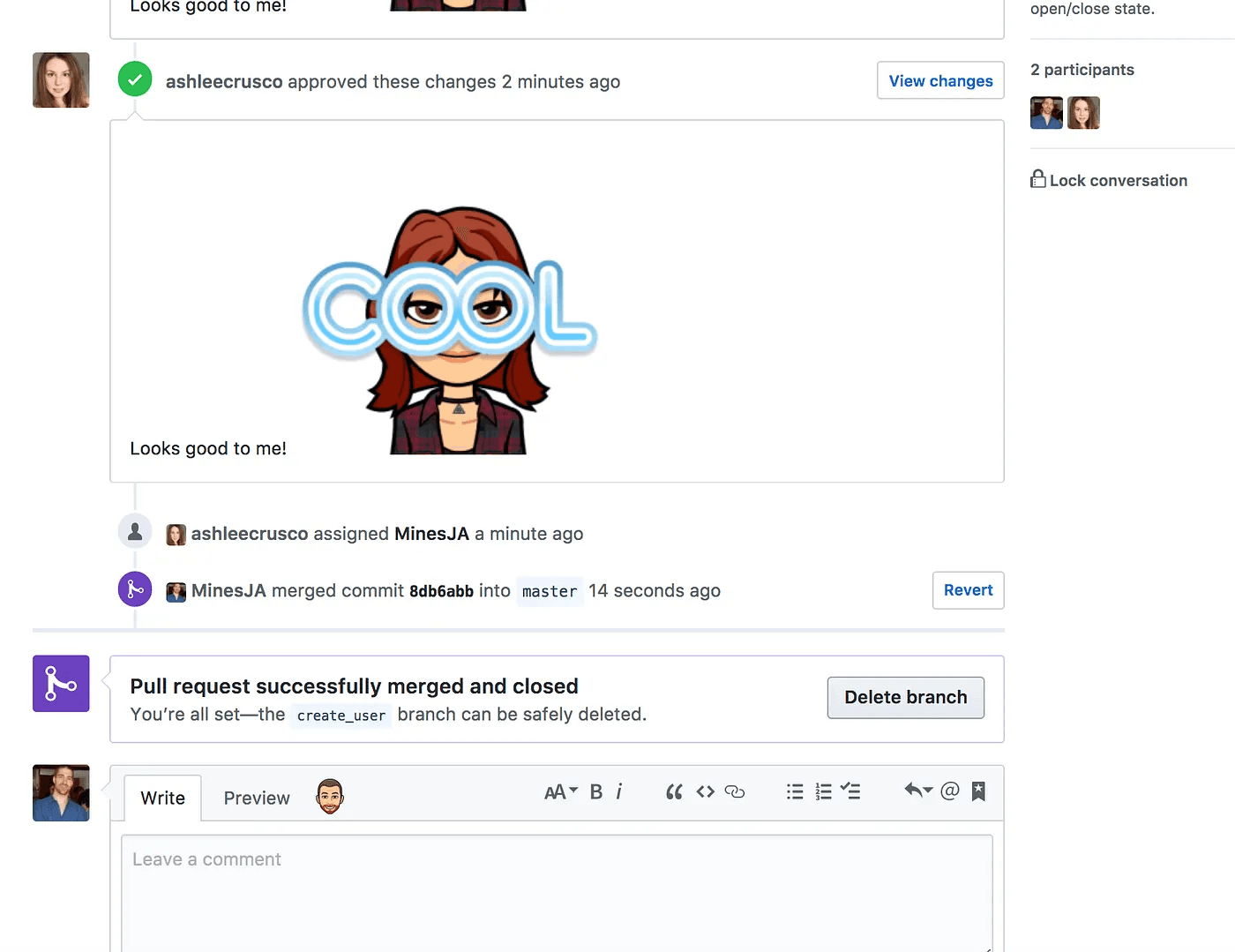
Git also tracks code and nothing else. Ask it what data a script touched last Tuesday, or what the output looked like, or which Python environment was active when those results appeared, and you'll get a blank stare. Data teams can't live with that limitation, because those details are often the whole reason the analysis matters.
Key characteristics of code collaboration tools for data work
Mature version control and review workflows that translate well to production data code
Struggle with notebook files, which produce unreadable diffs and painful merge conflicts
Asynchronous by default, making real-time collaborative analysis difficult
Track code changes only, with no awareness of data state, compute environment, or output history
Analytics Collaboration Platforms for Data Work
Analytics collaboration platforms occupy the space between all of the categories above. They're the place where analytical work actually gets done by multiple people at the same time, with compute and versioning handled by the platform.
Zerve goes further than most tools in this category. It's a modern development environment for data work, built around an AI-native notebook with an agent that understands your code and data context. Two people can open the same project and work simultaneously because the platform gives each code block its own isolated compute. That means one person training a model won't crash another person's exploratory query. Metadata gets logged automatically every time anything runs, creating a full audit trail without anyone having to remember to commit.
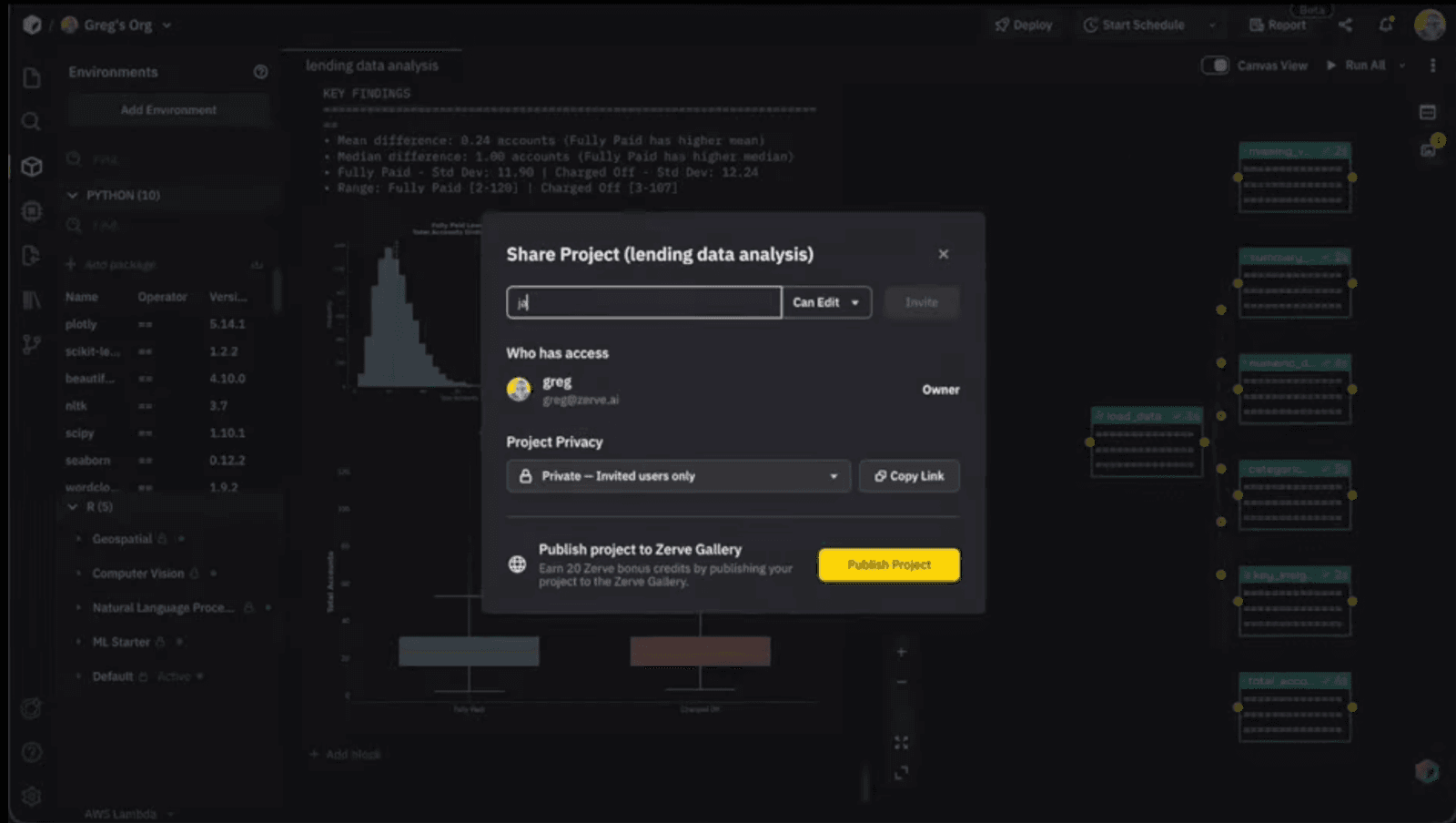
Zerve also handles deployment, so you can publish an analysis as an app, an API, or a scheduled job straight from your notebook without rewriting anything. No handoff to a separate engineering team required.
The Figma comparison comes up a lot in conversations about this kind of platform shift. Designers used to email PSD files back and forth and pray nobody overwrote the wrong version. Then Figma came along and put the whole team on one canvas. Data work is going through that same kind of transition right now.
Key characteristics of analytics collaboration platforms for data work
Built for multiple people to work in the same analytical environment at the same time
Shared compute with isolation at the code block level, so one person's work doesn't interfere with another's
Automatic version history that tracks code, data state, and outputs together
Zerve specifically adds an AI agent, multi-language notebook support, and direct deployment to apps, APIs, and scheduled jobs
How Data Collaboration Tools Compare
Data Collaboration Tools by Role
An analyst's daily orbit is usually Zerve and Slack. When a colleague pings asking for a number, they send back a link to the live project instead of a stale CSV export.
Data scientists split their time between Zerve and GitHub. The iterative, exploratory work happens in Zerve, and production-ready code eventually migrates to GitHub where it flows through the standard CI/CD pipeline.
Project managers tend to use Zerve as a complement to their dashboards. The dashboards handle ongoing monitoring, and when a question comes up that the dashboard can't answer, the PM jumps into Zerve with an analyst and they work through it together.
Leadership mostly benefits without ever logging into Zerve. They're still looking at dashboards in their Monday meetings, but the analyses feeding those dashboards were built in an environment that keeps a full record automatically.
Choosing the Right Data Collaboration Tools
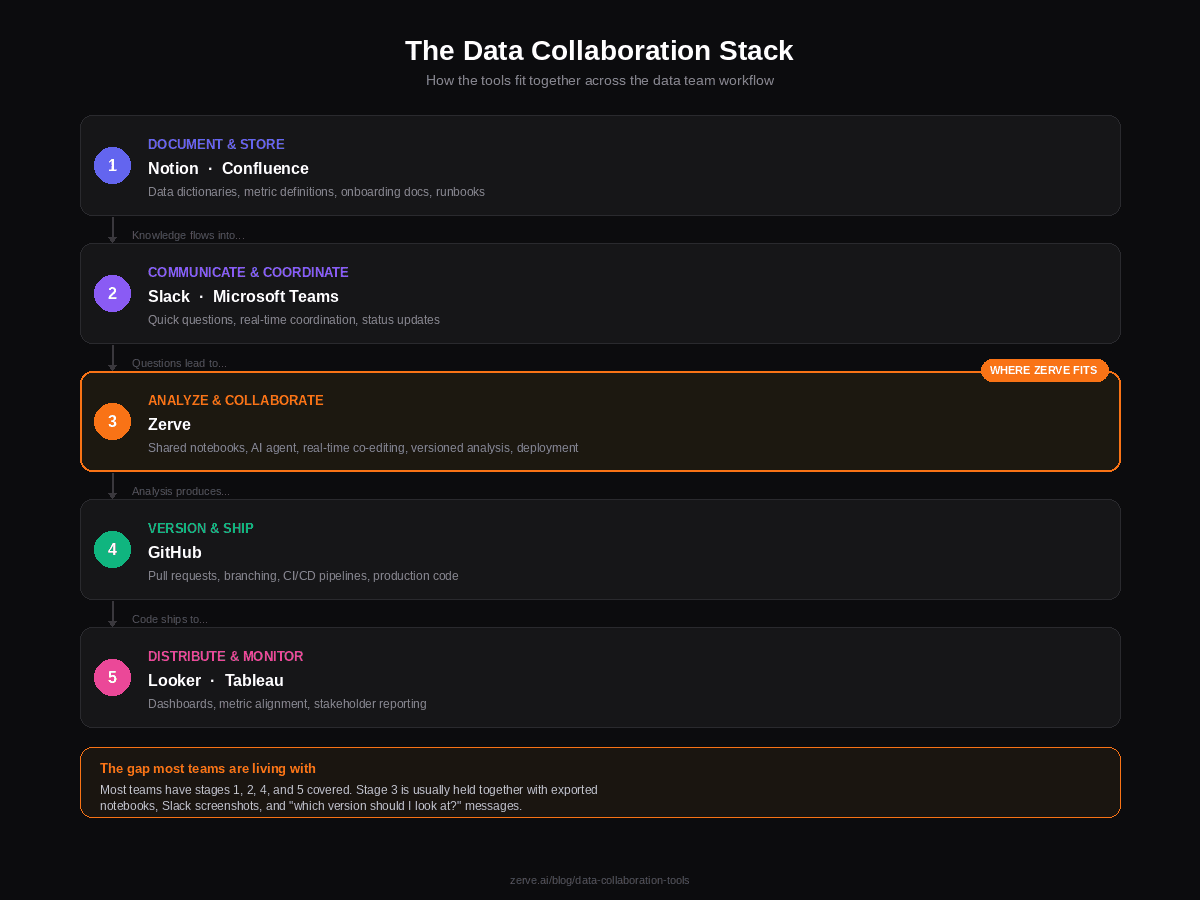
Every data team has documentation, Slack, dashboards, and GitHub covered. The piece that's usually missing is a collaborative workspace for the analytical work itself, and that's the gap Zerve was built to fill. Try it out for free, every new account receives 50 credits per month.
FAQs
Data collaboration tools are software platforms that help data teams work together on analysis, reporting, and decision-making. The category includes documentation tools like Notion and Confluence, communication platforms like Slack and Microsoft Teams, business intelligence tools like Looker and Tableau, code collaboration platforms like GitHub, and analytics collaboration platforms like Zerve. Each type handles a different part of the data workflow, and most teams use several of them together.
BI tools like Looker and Tableau are designed for distributing finished metrics and visualizations to stakeholders. They answer "what is happening" questions through dashboards and reports. Analytics collaboration platforms like Zerve are designed for the upstream work of building and exploring analyses collaboratively. They let multiple people write code, query data, and iterate on models in a shared environment. BI tools show results, while analytics collaboration platforms are where those results get created.
Traditional notebook collaboration through Git is difficult because notebook files contain code, outputs, images, and metadata in a single file, which produces unreadable diffs and frequent merge conflicts. Analytics collaboration platforms like Zerve solve this by letting multiple users work in the same notebook simultaneously with isolated compute per code block. Changes sync in real time without requiring manual commits, and version history is captured automatically with each execution.
Most data scientists use a combination of tools for collaborative work. GitHub handles version control and code review for production-ready code. Slack or Microsoft Teams handles day-to-day communication. BI tools like Looker or Tableau distribute finished visualizations. And an analytics collaboration platform like Zerve handles the core analytical work, including real-time co-editing, shared compute, AI-assisted development, and deployment. The specific mix depends on team size and workflow maturity.
Some analytics collaboration platforms are designed as direct replacements for local Jupyter notebooks while adding features that Jupyter lacks. Zerve, for example, offers a notebook interface that supports Python, R, SQL, and Markdown, but adds real-time collaboration, isolated compute per code block, automatic version history, a built-in AI agent, and one-click deployment to apps and APIs. Teams that currently share Jupyter notebooks by emailing files or pushing to GitHub can move that workflow into a shared platform without changing how they write code.