)
Three Features That Make Work in Zerve Easier
Zerve Marketing
Three Features That Make Work in Zerve Easier
TL;DR
Learn how cloning canvases, searching across blocks, and grouping related steps make working in Zerve faster and easier for data scientists.
Some of Zerve’s most useful features are the quiet ones that make your work smoother without calling attention to themselves. Here are three that every data scientist should know.
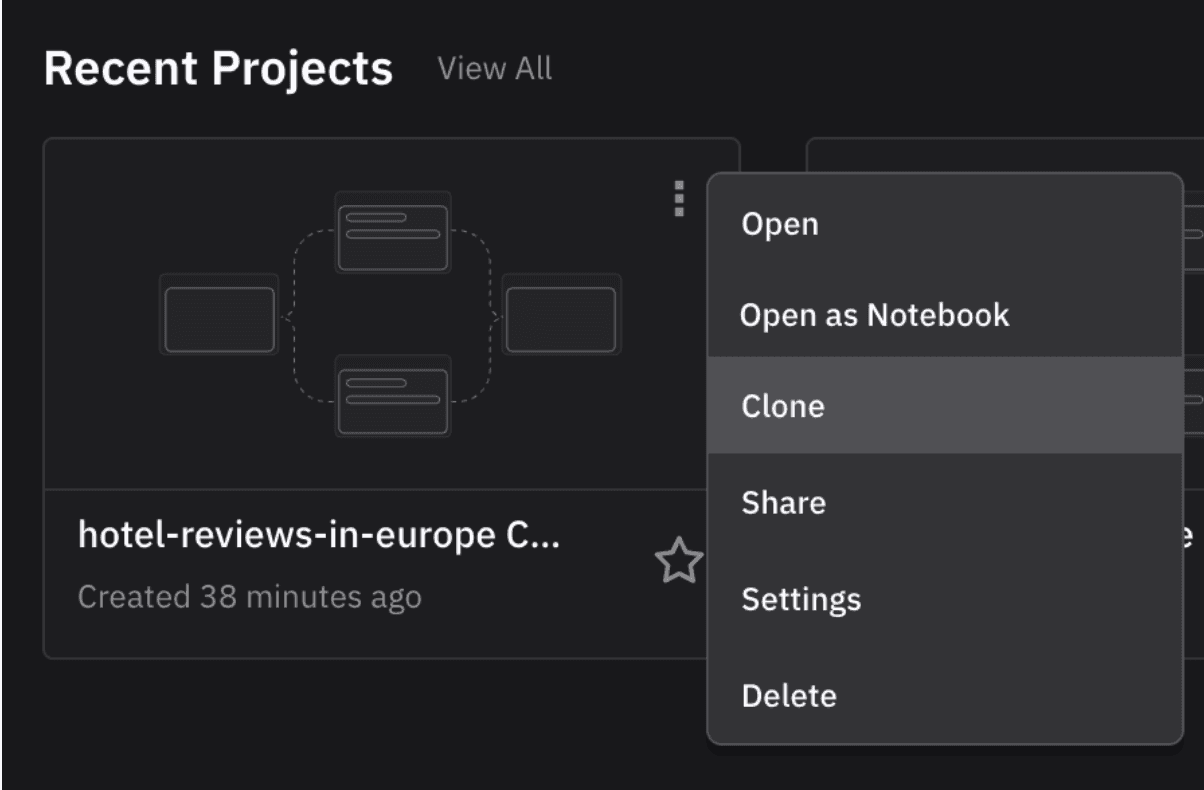
Clone an Entire Canvas
If you want to test a new idea without changing your main workflow, you can copy an entire canvas in one click. Everything is included: blocks, edges, jobs, and APIs. You can make edits freely while keeping your original version intact.
Search Across Blocks
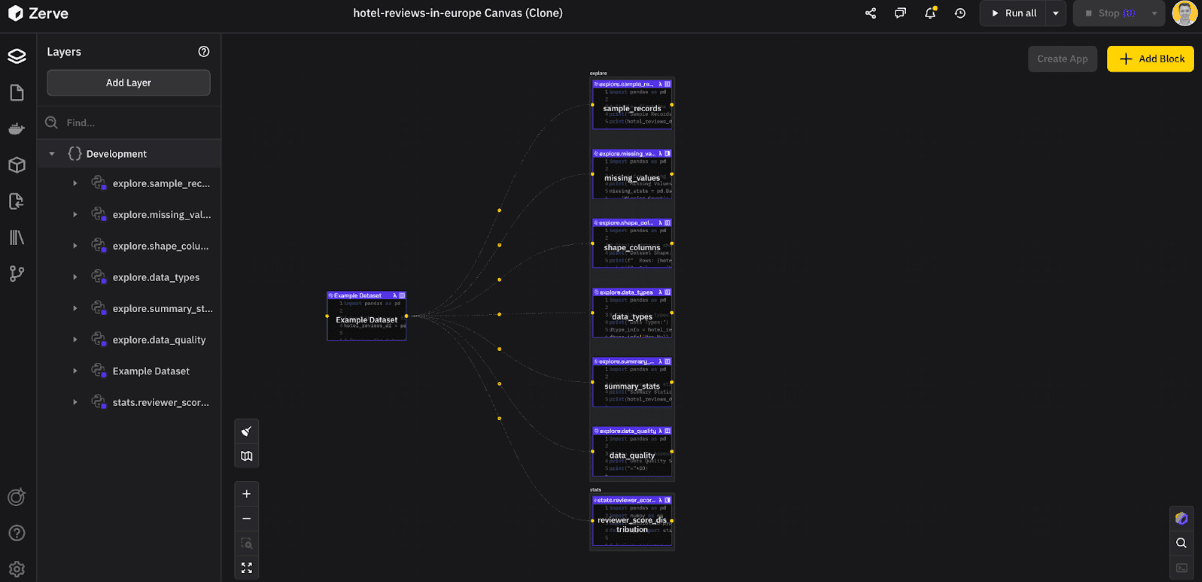
When a canvas grows large, finding what you need can take time. Use the search bar to jump directly to any block or parameter. It makes navigating big projects simple and fast.
Group Blocks Together
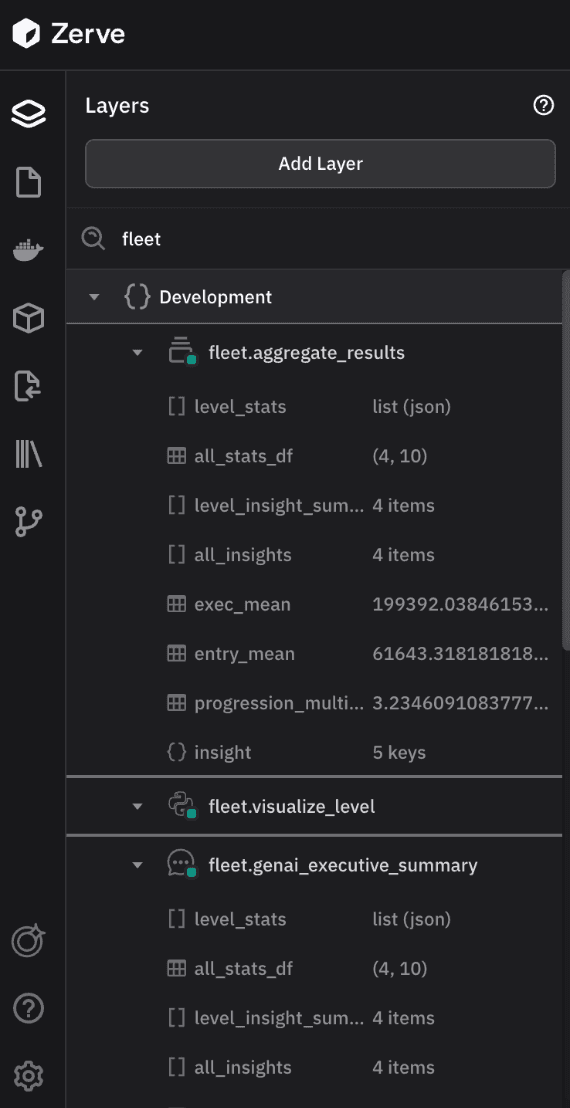
Workflows can expand quickly, so grouping related blocks helps keep them clear and organized. To create a group, add the group name followed by a period before each block you want included. For example, to group these blocks under “Deploy,” name them “Deploy.Compare,” “Deploy.Update,” and “Deploy.API_Call.” This keeps everything easy to follow and makes collaboration smoother when sharing your workflow.
Get Building with Zerve Today
These features are designed to make everyday work in Zerve easier. Each one removes friction and gives you more time to focus on building and exploring your data. Try them out and see how much smoother your workflow becomes.
FAQs
Click the clone option in your canvas menu. Zerve duplicates everything including blocks, edges, jobs, and APIs so you can test new ideas safely.
Use the search bar to jump straight to blocks, parameters, or jobs. It is the fastest way to locate elements in complex workflows.
Grouping keeps related steps visually organized. Add a group name followed by a period before each block such as “Deploy.Update” to organize by function.
Yes. Groups make shared canvases easier to understand by giving teammates clear visual structure and logical flow.
They save time, reduce clutter, and make collaboration smoother, helping teams focus on data instead of setup.