๐Ÿ€Zerve chosen as NCAA's Agentic Data Platform for 2026 Hackathonยท๐ŸงฎZerve @ Future Alpha โ€” meet us at the conferenceยท๐Ÿ“ˆWe're hiring โ€” awesome new roles just gone live!

The AI Platform for Research and Analytics

Zerve's AI agents handle discovery, analysis, reports, and production deployment โ€” learning your data, your code, and your context to get better with every project.

Write, visualise and deploy. An AI agent works alongside you.
acme-corp/Projects/Enterprise Churn Analysis
AB
Canvas View
load_data
0.3s
SELECT date, revenue, region
FROM sales_fact
WHERE date > '2024-01-01'
ORDER BY date
date revenue region
0 2024-01-15 42340 North
1 2024-01-22 38820 South
2 2024-01-29 51200 East
... ... ...
42 rows ร— 3 columns
group_by_qtr
1.4s
df = pd.read_sql(query, con=engine)
df['quarter'] = pd.to_datetime(df['date']).dt.quarter
# cluster by region + quarter
model = KMeans(n_clusters=4).fit(df[features])
โœ“image/png
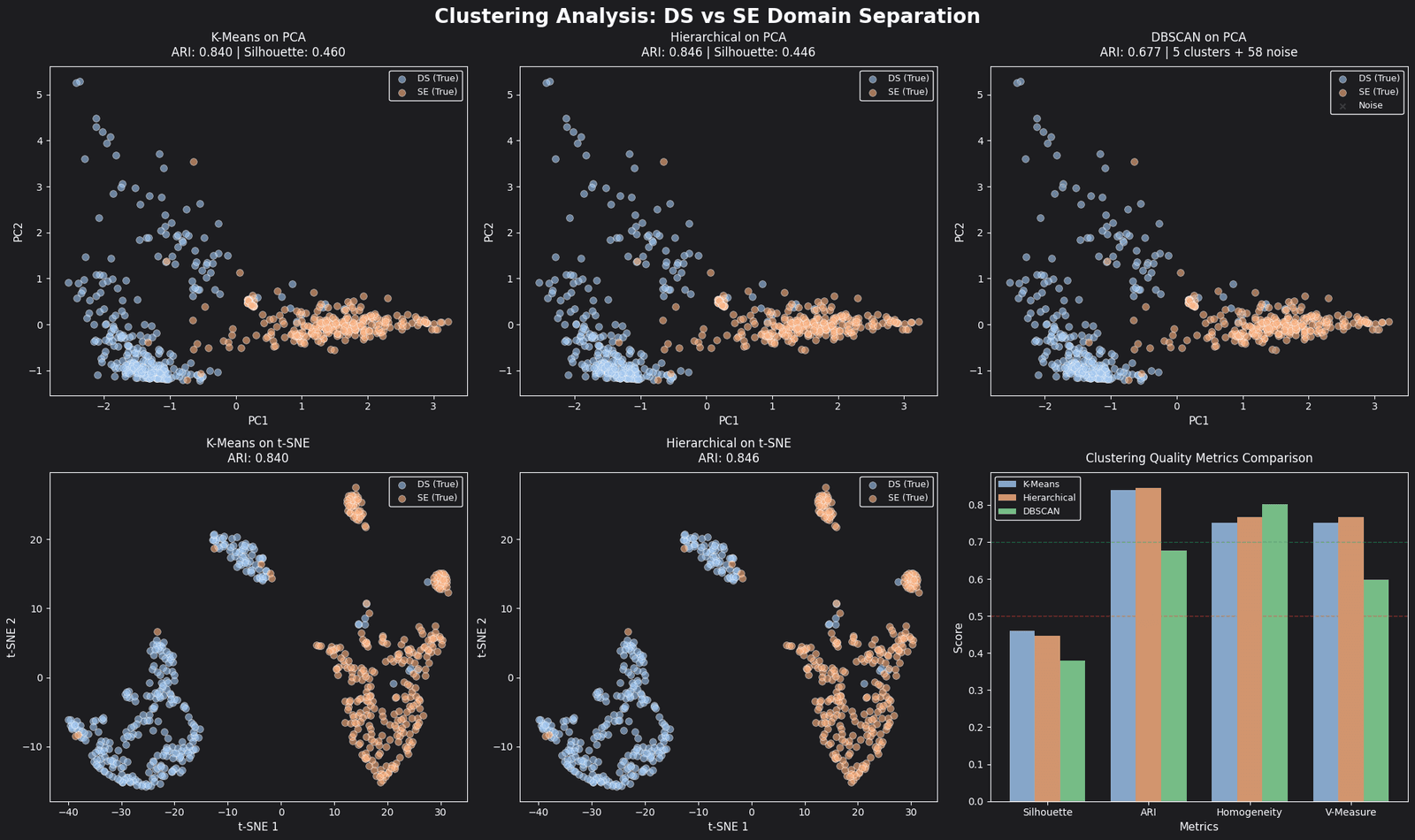
Clustering Analysis
filter_nulls
fig = px.bar(
grouped.reset_index(),
x='quarter', y='revenue',
color='region', barmode='group'
)
Executingโ€ฆ
load_data
date revenue region
2024-01-15 42340 North
2024-01-22 38820 South
42 rows ร— 3 cols
group_by_qtr
chart
filter_nulls
Executingโ€ฆ
visualise
No output
+
โˆ’
โŠก
Zerve AI Agent
Visualise revenue by region for Q1 vs Q2

I'll create a grouped bar chart comparing Q1 and Q2 revenue across regions.

Let me query the data and generate the visualisation:

import plotly.express as px
fig = px.bar(grouped,
x="quarter", color="region")
Add axis labels and a title
Thinkingโ€ฆ
Describe what you need help withโ€ฆ
Zerve โ€” The AI Platform for Research and Analytics